

 Account
 Billing
Download or clipboard permission issue
Download and clipboard failures usually come from browser permissions, very large image captures, or a blocked download prompt. Reduce the export size or use a file download fallback.
Browse docsMenu
 Browse docs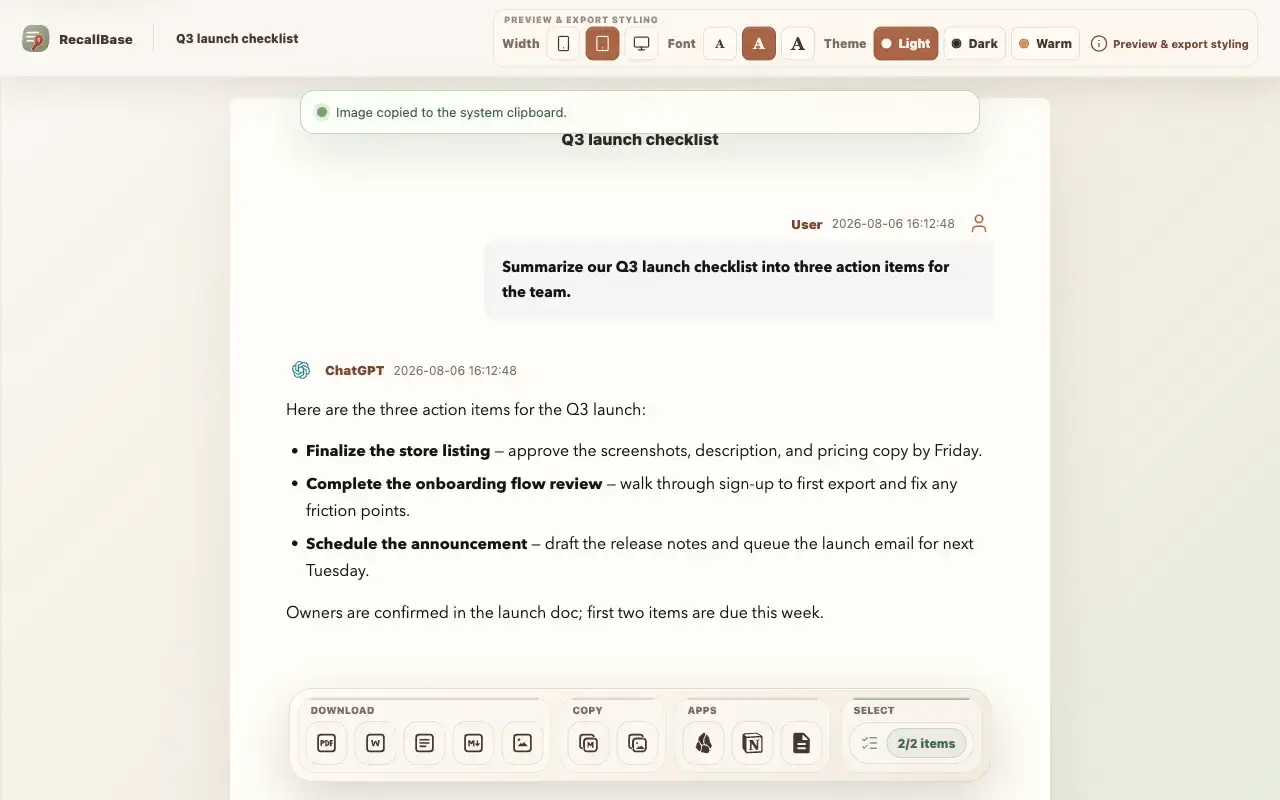
Symptom
The export starts, but the download never finishes, the copy fails, or the image never gets created.
Most likely cause
The browser blocked the download or clipboard permission, the capture exceeded canvas or clipboard limits, or the download prompt was dismissed.
Fix it
Allow downloads and clipboard access for the extension, reduce the image size, or fall back to Markdown or PDF.
- 1
Check browser permissions.
- 2
Try a smaller image width or shorter conversation.
- 3
Use file download instead of clipboard.
- 4
Retry the export.
Verify it worked
Check that the downloaded file exists, or paste into a local test document to confirm the clipboard copy worked.
What RecallBase cannot verify
RecallBase should not ask you to share sensitive screenshots or clipboard contents.
Reduce the export before retrying
Large image and clipboard exports can fail even when the conversation was captured correctly. Retry with fewer messages, a narrower image width, or a file download instead of a clipboard copy. If you only need the text, Markdown is more reliable than a very large PNG.
Separate download failures from clipboard failures
Downloads and clipboard writes use different browser permissions. A download can fail because the browser blocked the prompt, saved the file somewhere unexpected, or could not create the file. A clipboard copy can fail because the page was not focused, the browser denied clipboard access, or the image was too large. Test one path at a time so you know which fix worked.
- 1
Try a normal file download before testing clipboard copy.
- 2
Check the browser downloads shelf, downloads folder, and blocked download indicators.
- 3
Click back into the page before retrying clipboard copy.
- 4
Reduce image width or selected messages for large PNG exports.
- 5
Use Markdown if you need a dependable text fallback.
Safe information to share
A useful report includes the browser name, operating system, export type, which path failed (download or clipboard), and the visible RecallBase error. Do not share clipboard contents, exported files, or screenshots that reveal private conversation text.

