

 Account
 Billing
Find it again
Search saved conversations across supported AI apps.
A browser-local index helps you find a saved answer by title or text without turning the RecallBase website into a cloud copy of your chats.
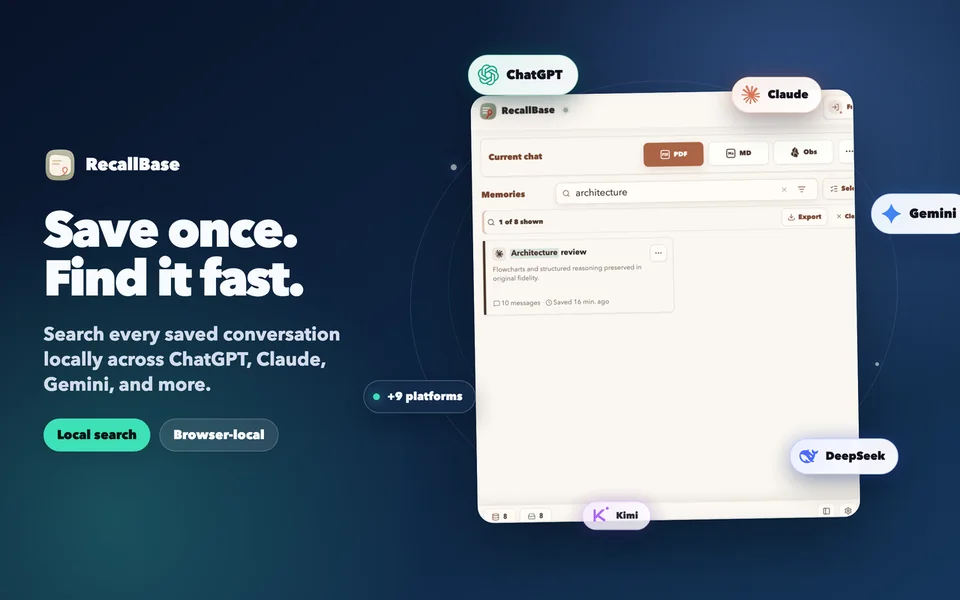
RecallBase keeps selected conversations in a browser-local archive and exports them to useful files or note workflows. Your raw chat content does not pass through the RecallBase website.
Available on the Chrome Web Store and Microsoft Edge Add-ons: install from the verified listing for your browser. No credit card or website account is required for local saves.
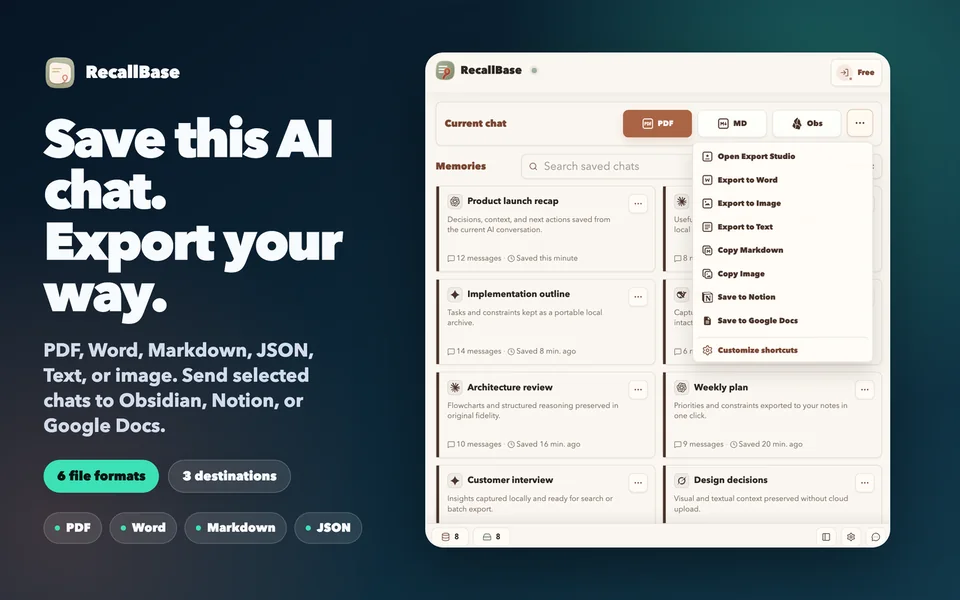
The hero shows saving and export. These reviewed product fixtures cover local recall, message selection, rendering, and batch work with synthetic content.
A browser-local index helps you find a saved answer by title or text without turning the RecallBase website into a cloud copy of your chats.
Export Studio shows the real selection state and rendered preview before export. Formula and Mermaid diagram support helps technical conversations remain useful outside the chat page.
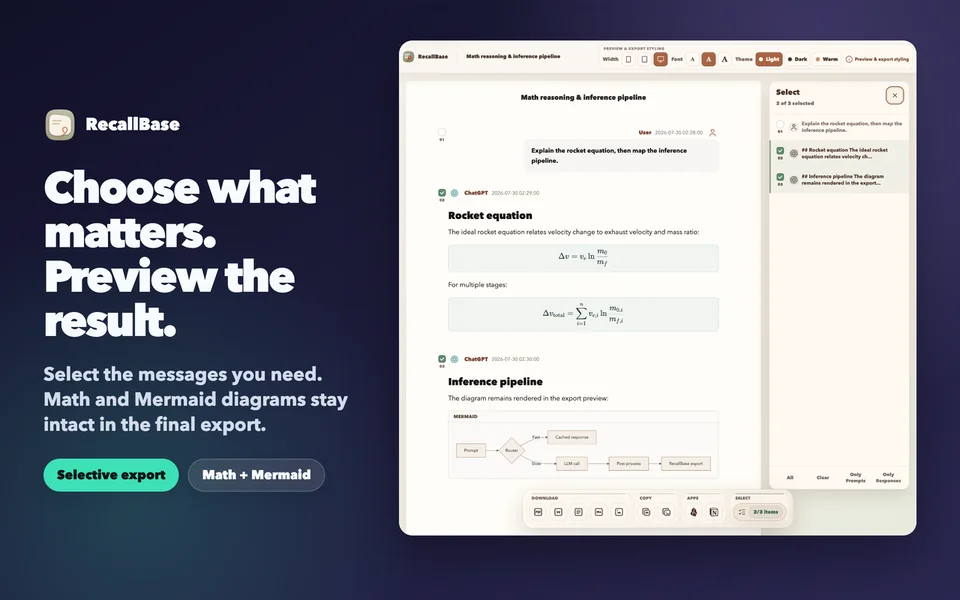
Filter and select saved conversations, then choose separate files, a merged file, or a supported destination. Batch actions remain deliberate; nothing is uploaded to the RecallBase website.

No website account or credit card is required for local saves.
Platform interfaces change. RecallBase documents current support and known detection issues instead of promising permanent compatibility with every page variant.
Check current support detailsBrowser-local saves and search stay on your device. A manual export sends only the content you select to the file or authorized destination you choose. Optional Notion auto-sync runs only after you enable it.
Why Chrome lists data categories: Chrome disclosures cover data the extension may process to perform its features, including content handled locally or sent to a destination you authorize. They do not mean the RecallBase website stores raw chats for archive, search, or profiling.

No RecallBase cloud archive. The website does not receive your raw conversations for sync, backup, or search.
No silent exports. File and app destinations require your action; optional automation must be enabled.
No permanent platform guarantee. Supported AI sites can change their interfaces, so current compatibility lives in the docs.
Start with local saves and export only when you choose.